Installation
In my last post about my ThinkPad T40s I mentioned that I added a 256GB mSATA drive and installed Debian 13 + XFCE. Guided Partitioning doesn’t work when you install to 2 drives, it will just pick the first drive and create the necessary partitions. Manual partitioning is necessary.
I previously mentioned I set up the drives as follows:
| Device Partition | Mount Point | Size | Drive |
|---|---|---|---|
| /dev/sdb1 | /boot/EFI | 1024 MB | mSATA |
| /dev/sdb2 | / | 226 GB | mSATA |
| /dev/sda1 | /home | 466 GB | 2.5" SSD |
One of the cool things about having a large /home partition is that the root / partition can be backed up to /home using timeshift. Because I’m planning on adding and removing lots of software timeshift backups will become critically important. If I mess up the system adding/removing packages, running sudo timeshift will let me go back to the last backup. It’s worth noting that timeshift isn’t a /home backup, it’s an OS backup. Other software exists for simple data backups (thinking deja dup).
Software installation
After installing Debian 13 + XFCE I installed some software I use a lot on systems:
- git
- my hardware.sh github script (which I’m always working on).
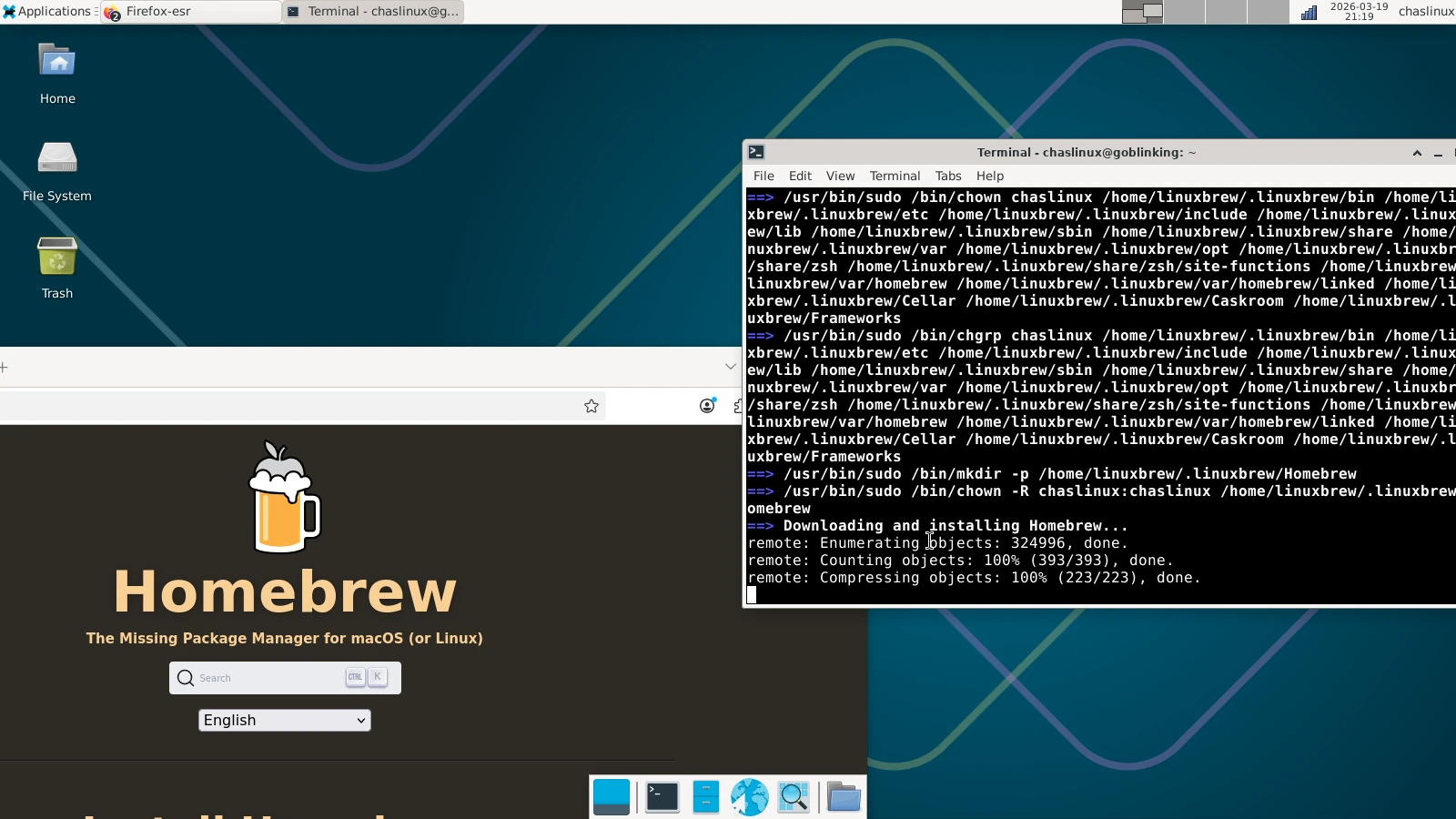
- homebrew
- hugo
- flatpak
- gnome-software (nicer interface for adding software than synaptic)
- vscodium (via flatpak)
- various themes for XFCE
- timeshift
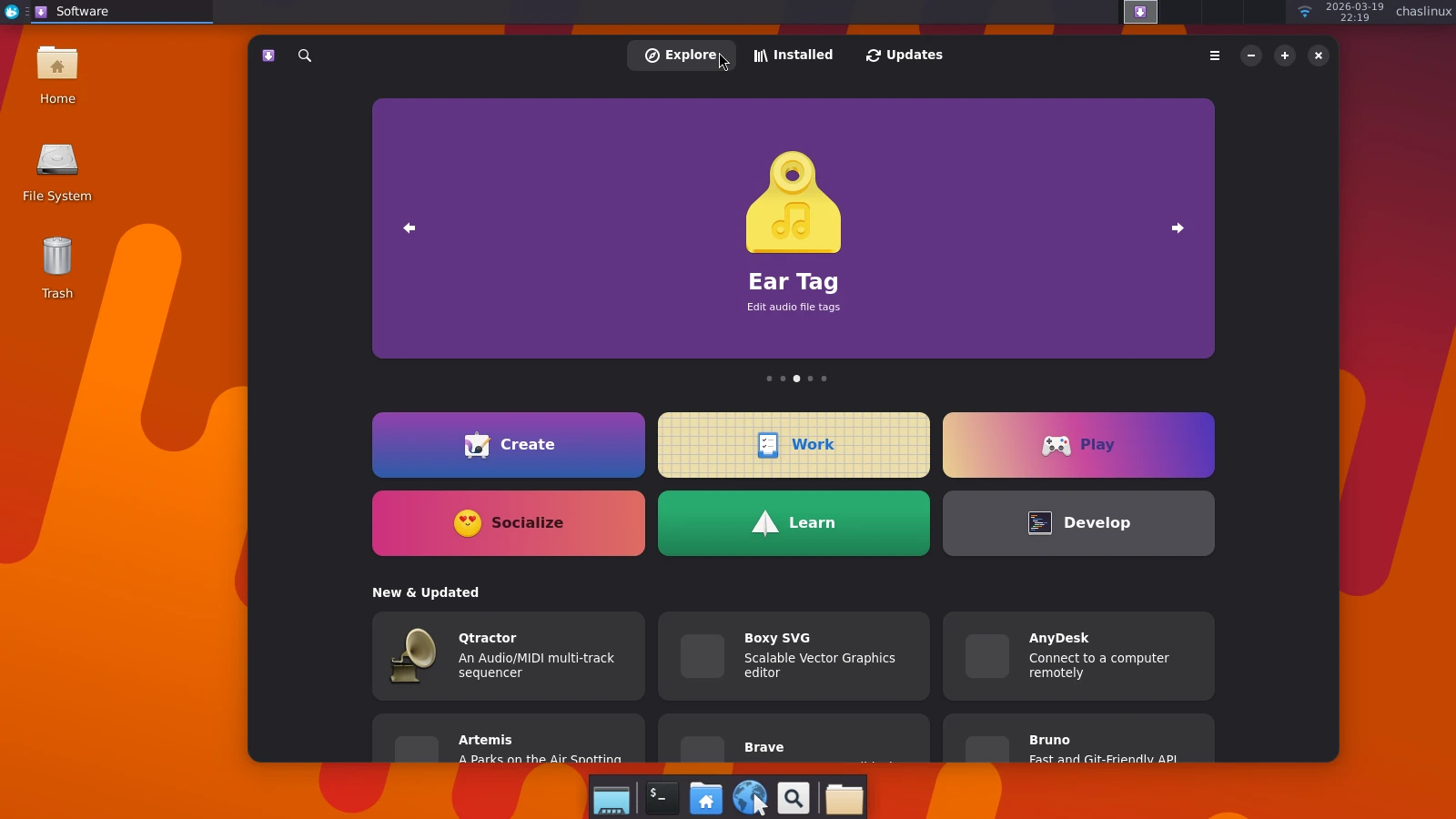 Fig 1. Debian 13 + XFCE customized with Gnome Software open
I also customized the top panel to show the Whisker menu (searchable) instead of the normal Launcher menu, the pulseaudio plugin (easy adjustment of volume), and the power management plugin (to show battery life).
I’ve been very busy both at and outside of work, so I haven’t had a lot of time to think of other software I’d like to install. I was thinking of installing pix, but it doesn’t appear in the Debian repositories, and the flathub pix does not appear to be quite the same program (KDE dependencies).