Overview
The Lenovo ThinkPad T430s is the “thin and light” version of the Lenovo ThinkPad T430. I put “thin and light” in quotes because the ThinkPad T430s is quite bulky compared to thin laptops made in the past 5 years. The s in T430s indicates the slim version of the ThinkPad T430.
Notebookcheck has a good review of the T430s. The review covers some of the differences between the T430s and the T430. Basically, the T430s is a lighter, less upgradable version of the T430. The T430’s processor can be replaced; the T430s’s processor is soldered in place.
Why talk at all about a 3rd generation i-series CPU ThinkPad T430s in 2026?
- Buying new hardware is extremely expensive
- A lot of new hardware is either not upgradable, or has limited upgradability
- New hardware comes with bloated OS’s full of advertising and restrictions
- Software lock-in / end of life (MacOS ending on x86)
Of course, I’d be remiss if I didn’t mention I’m running Linux on my ThinkPad T430s. For anyone looking for a laptop to run Windows 11, my minimum ThinkPad recommendation is anything Intel 8th generation (T480).
My Lenovo ThinkPad T430s
The ThinkPad T430s has 4 CPU options (sadly, the CPU is not upgradable – it is for the T430-non S):
- Intel Core i3-2370M, 2C/4T, 2.4GHz
- Intel Core i5-3210M, 2C/4T, 2.5GHz
- Intel Core i5-3320M, 2C/4T, 2.6GHz
- Intel Core i7-3520M, 2C/4T, 2.9GHz
My T430s came with the top of the line i7-3520M CPU, the best available for the T430s.
I upgraded the RAM from 4GB to 16GB of DDR3L (2 x 8GB DDR3L). I removed the 320GB hard drive and installed a Samsung 860 EVO 500GB 2.5" Solid State Drive (SSD). I have since also added a 256GB mSATA SSD. The mSATA SSD is seen by the operating system as /dev/sdb; the 2.5" SSD appears as /dev/sda. Currently, I have Debian 13 Trixie + XFCE installed on /dev/sdb as / (root), and the 2.5" Samsung SSD contains my /home directory. It’s a bit backwards from how I’d like things, /dev/sda 1st makes more sense, but since the 2.5" drive is larger it should be the /home directory, not /.
When I first bought the laptop I ran Xubuntu Linux on it. About a year ago when we switched away from using Xubuntu at The Working Centre’s Computer Recycling Project I switched to using Linux Mint on it. I changed to Debian 13 + XFCE after adding the mSATA drive.
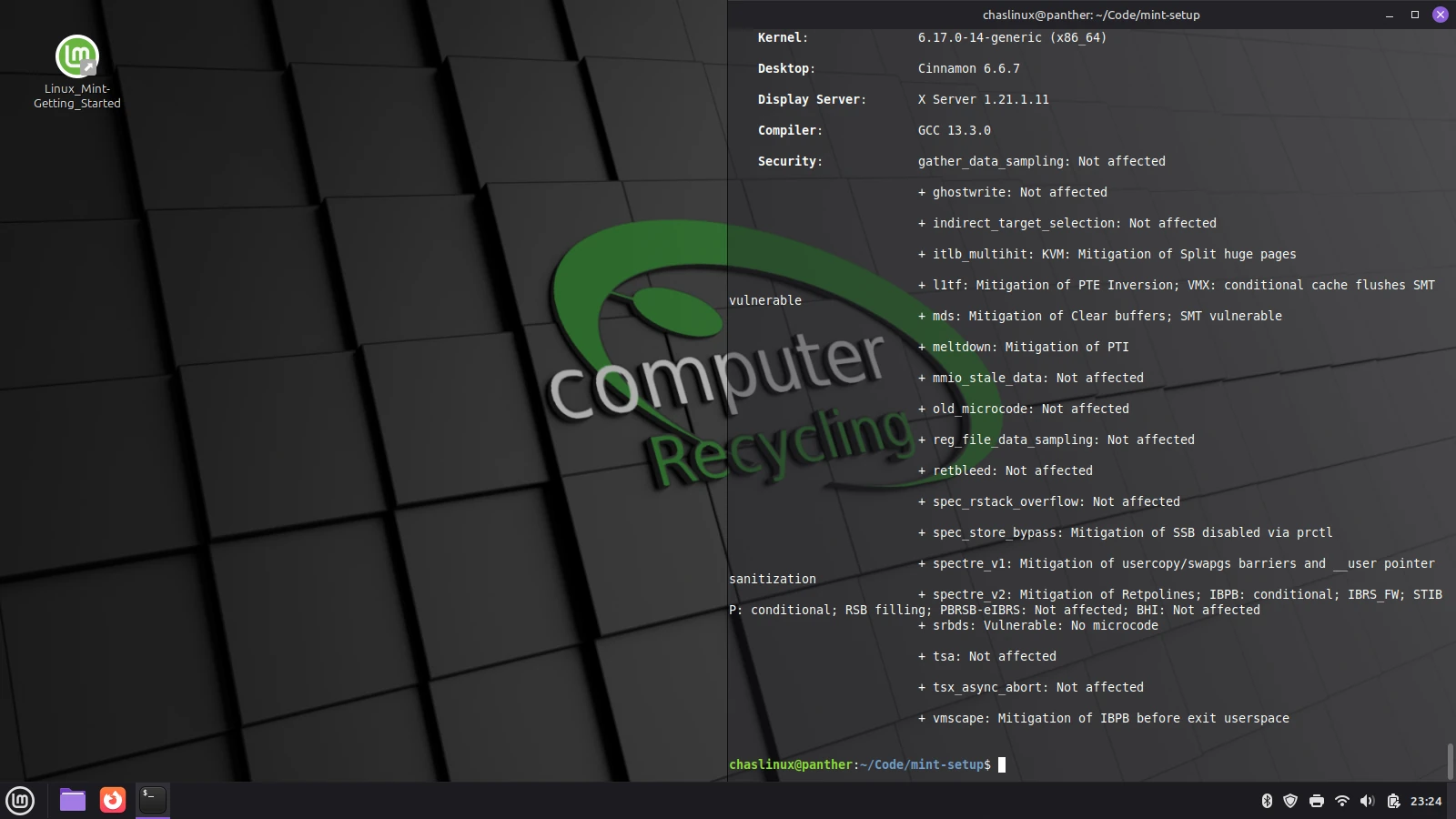 Fig 1. Linux Mint 22.3 on the ThinkPad T430s
Linux Mint Cinnamon 22.3 Performance
Linux Mint Cinnamon 22.3 runs very well on the T430s, especially with the SSD and RAM upgrade. I like the fact that the Cinnamon desktop uses GNOME 3 on the back end as this makes it easy to (BASH) script changes. I commit my BASH scripts to github so I can later pull those changes to other machines.
I benchmarked my T430s (while still running Linux Mint) with sysbench and geekbench:
| SYSBENCH Single Core | SYSBENCH Multi Core | GEEKBENCH |
|---|---|---|
| 1131.73 | 3105.13 | 1005 |
Why change from Linux Mint to Debian if the performance is decent?
- My T430s is no longer my primary laptop, I’ve since replaced it with a first generation ThinkPad P51 with a XEON processor, and it’s running Linux Mint 22.3.
- I’ve been experimenting with lower power machines. Debian 13 + XFCE seems ideally suited for these machines, but it lacks some of the niceties of Linux Mint XFCE. This is an experiment to see how nice/useful I can make Debian XFCE.
- When I test different Linux distributions I often find new and interesting software tools.
Debian + XFCE is not as beginner-friendly as Linux Mint, or Ubuntu, so I wouldn’t recommend it for new Linux users, but it is faster than Xubuntu or Linux Mint XFCE (at the expense of fewer installed packages). But I think I can make it more friendly.
Future upgrades
A few potential upgrades I’m considering:
I would like to flash the BIOS with Coreboot, but before I do this I need some hardware, and I want to practice on another machine first.
It’s possible to upgrade to a 1920x1080 screen, but doing so requires a hardware hack I’m not willing to do yet.
In the process of adding my mSATA drive I accidentally moved one of the antennas on the mSATA wifi card, rendering my wifi useless until I plugged it back in. The antenna connectors are a royal pain to put back on. Be careful not to move the antennas if you perform this upgrade.
Is buying a ThinkPad T430s worth it in 2026?
If your needs are minimal (watching Youtube, creating documents, etc.), a T430s might be a good Linux choice if you can get one for a reasonable cost.
T430s’ have easily replaceable batteries. Many 3rd party manufacturers are still selling batteries for this model; The T430s was heavily used by businesses when it first came out.
It’s also very simple to replace the RAM, battery, and 2.5" drive, much simpler than the newer T480s (which isn’t bad, but not quite as easy to work on). No guitar pick to separate plastic clips. Another benefit of the T430s is that the keyboard and TrackPoint can also both be replaced (my TrackPoint probably should be replaced).
While the 1600x900 screen (there is a lesser 1366x768 screen on some models) is not great, I find it usable.
My plan for the next 30 days is not to use my P51, but to stick to Debian 13 on the T430s, and figure out what I need to install to make base Debian more usable for my needs.